How Do I - Update my Account
Who can use this feature?
- Full Access Members can change their name, department/agency, occupation, and level.
- External Members can update their name, employer and occupation/job title.
Who can use this feature?
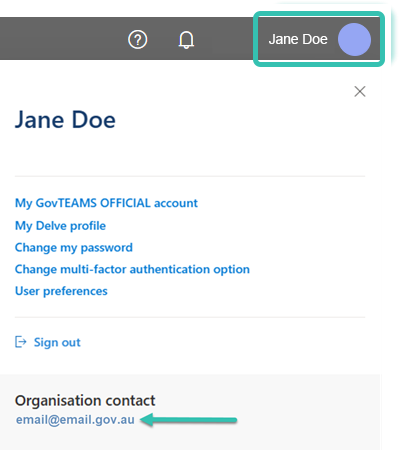
NOTE: Updating your department or agency details will not automatically update the work email address associated with your GovTEAMS account. If you need to change your email address, please contact us.
Video: Update your account - Members (no audio)
Downloadable Resources:
Video: Update your account - external members (no audio)
Downloadable Resources: